
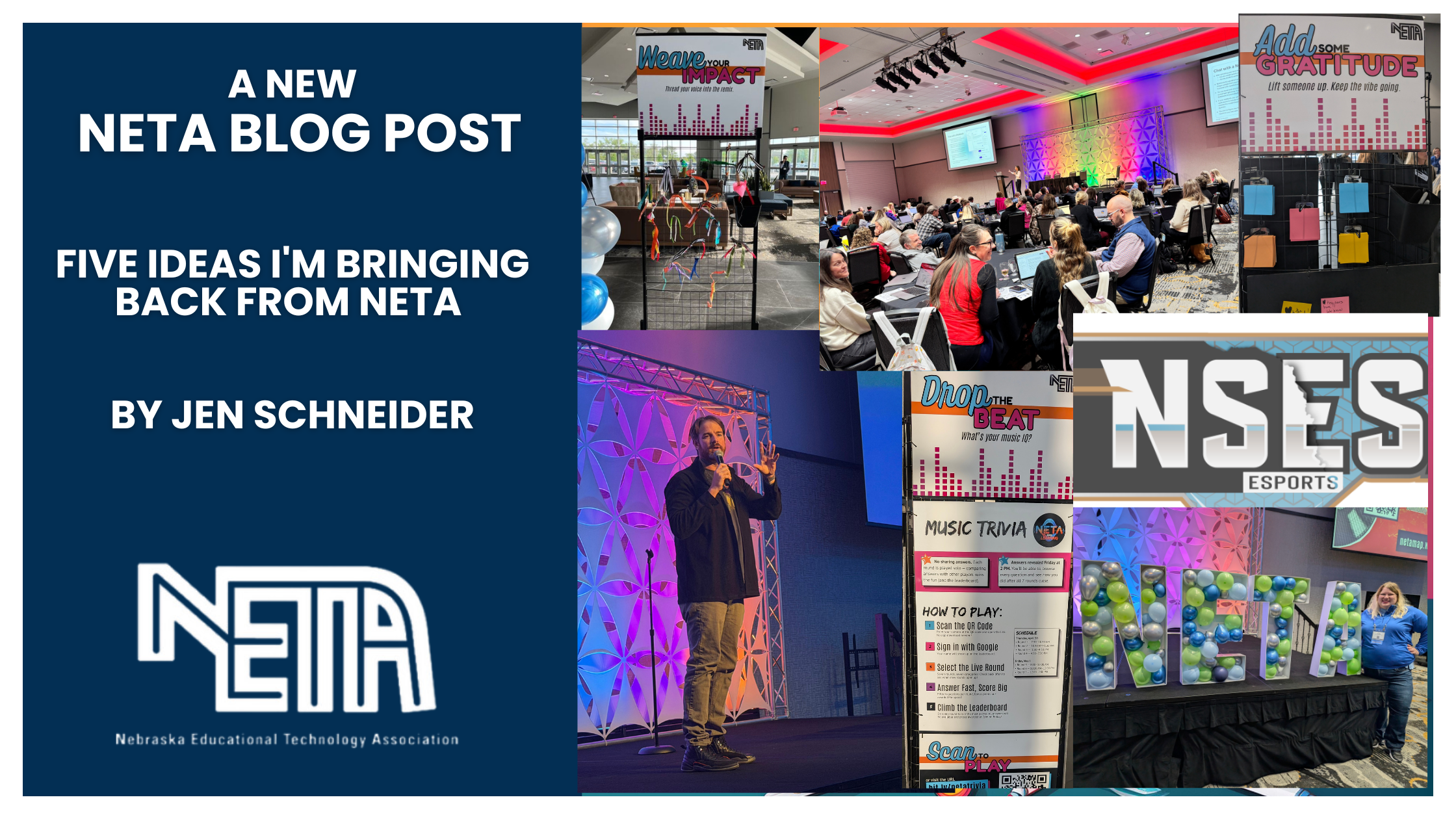
Five Ideas I’m Bringing Back from NETA by Jen Schneider
Every year, I leave the NETA Conference with more ideas than I could implement. Some ideas make it into my classroom right away. Others get added to my ever-growing “someday” list. This year, five ideas stood out because they felt practical, timely, and worth exploring before the next school year begins.
1. AI Trust You: A Different Approach to AI in Schools
Many schools are still trying to answer the question, “How do we know if students used AI?” The AI Trust You tool takes a different approach. Adam Sparks from Short Answer introduced this tool in the 45-Second App Smackdown.
Instead of focusing on catching students, it focuses on transparency. Teachers share how AI may be used on an assignment, and students document whether they used AI, how they used it, and what role it played in their work. Teachers gain insight into the learning process, and students have the opportunity to reflect on their decisions.
I appreciated this shift in thinking. As AI becomes more common in classrooms, building a culture of honesty and responsible use may be more valuable than trying to determine whether AI was involved at all.
The conversation changes from “Did you use AI?” to “How did you use AI, and why?”
2. Vibe Coding Makes Creation More Accessible
One of the buzzwords at this year’s conference was “vibe coding.” If you have not heard the term before, it refers to using AI to generate code based on natural language prompts.
Students can describe what they want to create, and AI helps build the technical framework.
Imagine students creating a review game, a simple app, a website, or an interactive study tool. Instead of getting stuck on the technical details, they can spend more time focusing on creativity, design, and problem-solving.
It also lets students see the code behind the “vibe coded” product, so it can be used as a learning tool for beginning coders.
For many learners, especially those with big ideas but limited coding experience, this opens new possibilities. Try vibe coding on Gemini Canvas and Canva.
3. AI and Google Earth Are a Powerful Combination
Google Earth has long been one of my favorite tools for helping students explore the world. Board member Dana demonstrated how AI can make those explorations even richer.
Students can use AI to create virtual travel experiences and explore even further on the maps. AI can help students think more deeply about what they are seeing rather than simply clicking through locations.
I immediately thought about applications for National History Day projects, passion projects, and inquiry-based learning.
Students can follow migration patterns, examine historical sites, explore environmental changes, or investigate cultures around the world. AI helps generate curiosity, and Google Earth provides the visual context.
4. Canva Keeps Expanding What Students Can Create
Most educators know Canva as a design tool, but it continues to add features that support learning in new ways. That’s why Canva, presented by board member Jessica, won the app smash!
Two tools that caught my attention were Canva Code and Canva Learn Grid.
Canva Code allows users to create interactive experiences through simple prompts. Teachers and students can generate games, websites, quizzes, and other digital tools without extensive coding experience. While it will not replace a computer science course, it lowers the barrier to creation and allows students to focus on problem-solving and design.
Canva Learn Grid is a tool for teachers to create worksheets, whiteboards, and interactive games using Canva AI tools. There are so many resources already available.
What stood out to me about both tools was the focus on student agency. Students are not just consuming information. They are creating, exploring, and directing their own learning experiences.
5. Sketchnoting with Gemini
I have always admired people who can capture information through visual notes. Many students, however, feel intimidated by sketchnoting because they do not consider themselves artists.
Gemini offers an interesting way to support the process.
Students can ask Gemini for visual metaphors, icon suggestions, organizational structures, or ideas for representing complex concepts. Rather than replacing sketchnoting, AI can help students get started.
The result is not perfect artwork. The goal is visual thinking.
As students organize information through symbols, images, and connections, they often gain a deeper understanding of the content itself.
Final Thoughts
One of the things I value most about NETA is that I always leave with ideas that are immediately useful. The best sessions are not about flashy technology. They are about finding new ways to support learning and collaborating with amazing educators.
Whether it is encouraging transparency around AI use, helping students create through vibe coding, exploring the world through Google Earth, expanding opportunities with Canva, or supporting visual thinking through sketchnoting, each of these ideas puts student learning at the center.
Check out the session resources from the NETA conference to learn more about these and other tools and ideas!


About Post Author
