
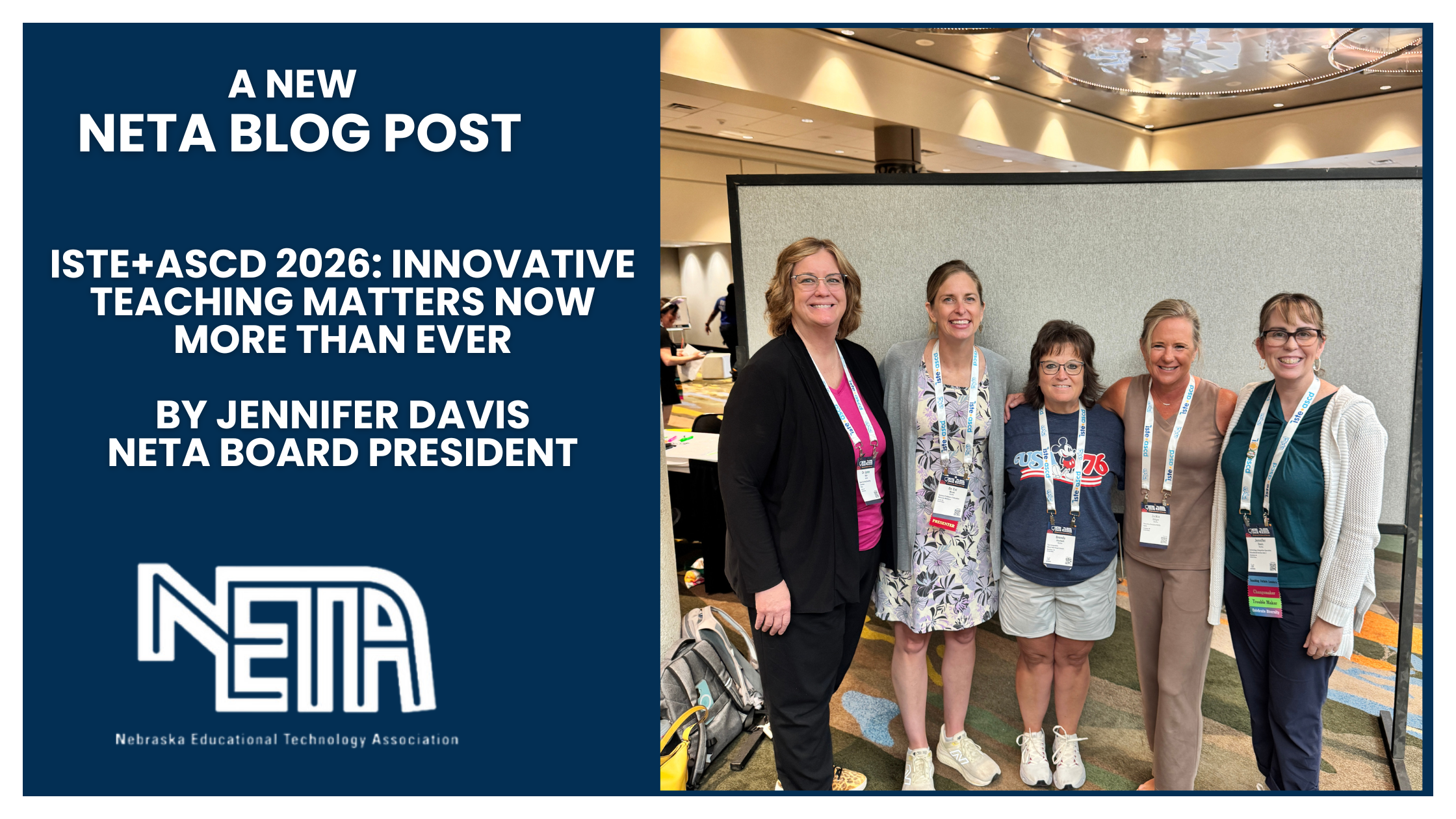
ISTE+ASCD 2026: Innovative Teaching Matters Now More than Ever
Last week at the opening keynote of the ISTE+ASCD 2026 Conference, the organization announced that it is changing what its initials stand for. For decades, ISTE meant the International Society for Technology in Education. It now means the International Society for Transforming Education. This adjustment is fascinating in our current environment. We’re up to our eyeballs in disruptive AI technology.
Swapping the word Transforming in for Technology sends a couple of clear messages that innovative teachers have recognized for a while now. 1) Technology in the classroom is so ubiquitous that we need to double down on the idea that our focus needs to be on good teaching strategies, not on the technology for its own sake. We already knew that, but we’re making it official. 2) Change in education is coming, whether any of us are ready for it or not.
Quality instruction supported by quality technology is an idea that ran through nearly every session I attended, and it is the one concept I most want to carry back to Nebraska. The tools worth our time are the ones that serve the learning, with the teacher still leading it.
Four Takeaway Ideas
Some of the most useful sessions had nothing to do with any product. Doug Fisher, Nancy Frey, and Tyler Gilbert taught about microlearning, which is teaching in small, focused pieces that respect how much a brain can hold at one time. Their reminder stuck with me: clarity matters more than coverage.
Kalo Haslem gave me a line I am still thinking about a week later: Do not stack learning a new tool on top of learning the content. When a lesson asks students to figure out a new app and a new concept at the same time, the app usually wins and the learning loses.
In a session on design thinking, a presenter put up an old line from Don Norman: “a brilliant solution to the wrong problem can be worse than no solution at all.” A simple checkpoint can be applied out for any tool you’re considering adopting. What learning problem does this solve, and does it keep the teacher in charge of the feedback students get?
My favorite session by far was one all about critical thinking – A “Last of Us” Guide to Teaching & Learning. The presenter used the popular video game and television series as her anchor “because education today feels postapocalyptic and AI feels like a zombie virus.” She had a fantastic sense of humor and even better content. She emphasized that we as teachers need to inspire curiosity, build confidence, and challenge assumptions, foster empathy, and encourage persistence.
The Google Announcements
Google brought the largest set of new features, and framed all of it around keeping teachers in the lead. A few pieces stood out for classroom use and I’m looking forward to testing them out.
- Classroom app in Gemini: Pulls from your real assignments and rubrics to draft activities or spots where a class is stuck.
- Read Along: Now free on every Workspace for Education tier. As students read aloud, it gives you pronunciation, fluency, and comprehension data.
- Focus Mode (Chromebooks): Lock student screens to one approved activity during class, so a research task stays a research task.
- Study notebooks in Gemini: A student takes a quick diagnostic, and Gemini builds adaptive lessons and quizzes that adjust as they go. Assigned as practice, it supports thinking. Handed over as an answer machine, it replaces it.
- Deeper Read Along data and Focus Mode need paid Education Plus, and some of this is still rolling out.
Other Features & Tools to Watch
- MagicSchool: Class Writing Feedback now takes your own rubrics, pulls student work from Canvas, Schoology, and OneDrive, and exports feedback as PDFs in bulk. New tools include an Educational Song Generator and a MagicQuizzes “Next Steps” panel that suggests whether to reteach, enrich, or practice based on results.
- SchoolAI: The Dot AI sidekick is now built into the whole platform, and a new browser extension lets you use SchoolAI on any webpage. Student Portals and expanded home and family support are rolling out too.
- Canva: Nothing new for ISTE, but Canva’s latest releases have been big hits. Magic Activities turns a prompt and your objectives into ready-to-use materials, Learn Grid helps you find and organize teaching content, and Canva Code builds interactive activities. My favorite is the Magic Layers design upgrade.
- Canvas (Instructure): The new Course Accessibility Checker (live February 25, 2026) scans a whole course, now including Announcements, Syllabi, and Discussions, for common issues like missing alt text, low color contrast, and broken headings. Especially handy for admins.
- Kira: An AI-native platform that connects planning, teaching, grading, and insights in one place. The 2026 Kira 2.0 preview adds full standards-aligned course generation in minutes, an AI tutor built to guide rather than hand over answers, and a plagiarism and AI-writing checker.
- Microsoft: The June 2026 Microsoft 365 Education update added Unit Plans in Teach, Student AI Guidelines, Learning Groups in Assignments, Learning Zone for Windows, and subject-specific Copilots. The recent MakeCode Arcade release looked like a lot of fun, too.
- Figma: Figma for Education is free. As of 2026, high school students and teachers get the Enterprise plan (higher ed gets Professional), and Figma and FigJam are now on US Chromebooks at no cost.
- Brisk Teaching: New Curriculum Intelligence grounds every output in your district’s standards and pacing. Also new: an admin Site Dashboard with nightly usage data, an “Instructional Moments” metric that flags high-impact uses like feedback and differentiation, a Nearpod quiz export, and an AI unit-plan builder.
- WeVideo: WeVideo isn’t free, but it is packed with some amazing features. New: an Interactivity space that adds auto-graded questions to any video, ClassFeed video comments for peer discussion, a one-click Google Classroom add-on, and mobile audio-only and background-removal recording. This is a viable replacement for Flip/FlipGrid!
Whew! The vendor hall was truly overwhelming.
The technology will keep coming faster than any of us can pilot it, but if anything is more apparent than ever, it is that our job stays what it has always been: good teaching – with teachers deciding when a tool earns a place in front of students. Every product here is worth a look, and none of them replaces that judgment. The checkpoint still holds as these tools reach Nebraska classrooms: which learning problem does it solve, and does it keep the teacher leading the feedback? That is how we will continue to transform learning every day.


About Post Author
